
Line Breaks vs. Paragraph Breaks: What's the Difference?
Confusing a line break with a paragraph break leads to garbled formatting, collapsed documents, and hours of wasted editing time. Explore the character-level mechanics of \n vs \n\n, soft returns vs hard returns, and learn which text cleaning mode fits your scenario.
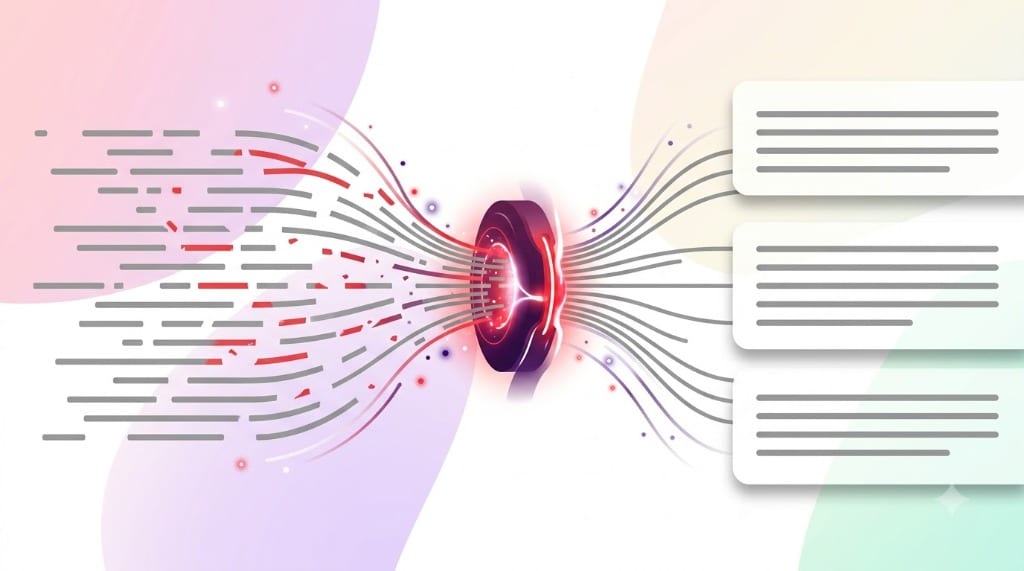
\n), and structural paragraph divisions (\n\n).The Fundamental Question: What is a Break?
To a human reader gazing at a printed book, the distinction between a line break and a paragraph break is obvious: a line break simply moves your eyes down to the next row while continuing the same thought, whereas a paragraph break introduces an empty vertical gap or an indented first line, signaling a transition to a new argument or topic.
However, to a computer system, a digital file contains no inherent margins, page heights, or typographic layouts. In memory or on a storage drive, all text is simply a one-dimensional, continuous sequence of numerical bytes encoded via ASCII or Unicode (UTF-8) standards.
When an application displays text on your monitor, it encounters invisible control characters that dictate when to drop down or introduce structural margins. Understanding the subtle distinctions between these control characters is essential for anyone who writes, formats code, or manages digital data.
The Character-Level Difference: \n vs \n\n vs \r\n
Let us dissect the exact technical representation of each break character in digital systems:
Line Break (Newline / LF)
Represented programmatically as \n (ASCII 10, Line Feed). It instructs the rendering software to drop the cursor immediately to the next baseline directly below, without adding vertical margin spacing or paragraph indents.
Paragraph Break (Double LF)
In plain text, represented as two consecutive line feeds (\n\n). In rich text processors (Word) and HTML, it is treated as a structural block element that adds vertical margin spacing before and after the block.
The difference between these two characters governs how digital platforms render your content:
- Soft Returns (Shift + Enter): Keep multiple lines bundled inside the same parent paragraph block. In CSS, no
margin-bottomis injected. - Hard Returns (Enter): Close the active paragraph block and open a brand new block. In CSS, the browser's default stylesheet injects
margin-block-startandmargin-block-end(typically 1em of vertical spacing).
Comprehensive Comparison: Breaks Across Technologies
Review how line breaks and paragraph breaks are defined across modern operating systems, web standards, and office applications:
| Break Type | ASCII / Byte Sequence | Keyboard Trigger | HTML Representation | MS Word Code | Visual Display Behavior |
|---|---|---|---|---|---|
| Line Feed (Unix/Mac LF) | 10 (0x0A) - \n | Enter (on Unix/macOS) | <br> | ^l (Manual Break) | Next row; zero paragraph margin |
| Windows CRLF Pair | 13 + 10 (0x0D 0x0A) - \r\n | Enter (on Windows) | Treated as whitespace | ^p (Paragraph Mark) | Moves cursor down and returns carriage to col 0 |
| Double Newline | \n\n or \r\n\r\n | Enter twice | <p> element division | ^p^p | Distinct empty vertical gap between blocks |
| Legacy Mac CR | 13 (0x0D) - \r | Return (Classic Mac OS 9) | Treated as whitespace | ^13 | Obsolescent; found in older spreadsheet cells |
| Form Feed (Page Break) | 12 (0x0C) - \f | Ctrl + Enter | page-break-after: always | ^m | Ejects active printing page; starts new sheet |
The Mechanical Typewriter Legacy: Why Windows Uses CRLF
Why does Windows use two characters (\r\n) while macOS and Linux use only one (\n)? The answer originates from mechanical electro-mechanical teletypewriters in the early 20th century.
On an analog typewriter, when the typing carriage reached the right edge of a sheet of paper, two separate mechanical actions were required to begin typing on the next line:
- Carriage Return (CR): A mechanical lever pushed the heavy physical carriage all the way back to the left margin. Because this physical movement took approximately 200 milliseconds to complete, a dedicated command was sent to trigger the return mechanism.
- Line Feed (LF): A secondary roller gear rotated the cylindrical rubber platen upward by one line distance to position fresh blank paper beneath the type hammers.
When early operating systems like CP/M and MS-DOS were created, they preserved the dual CR + LF sequence to maintain compatibility with serial matrix printers. Decades later, Unix and modern macOS simplified this convention to a single Line Feed (\n).
When text moves between Windows machines and Unix-based web servers, mismatched line endings often produce visible ^M characters or collapsed formatting. Read our guide on How to Remove Line Breaks in Microsoft Word for step-by-step solutions to these platform incompatibilities.
Decision Guide: Which Line Break Removal Mode Should You Choose?
When using our Online Line Break Remover, you have several processing modes available. Selecting the right mode depends on the origin of your text and where you plan to paste it:
| Cleaning Mode | What It Removes | What It Preserves | Hyphen Treatment | Best For |
|---|---|---|---|---|
| Preserve Paragraphs (Smart Mode)Default setting | Single newlines (\n) from visual margin wrapping | Double newlines (\n\n) separating real paragraphs | Rejoins split words | Articles, essays, PDF excerpts, books, contracts |
| Remove All + SpaceReplace newlines with spaces | Every newline character (\n and \n\n) | Replaces every break with a clean single space | Removes hyphens and joins | Converting addresses, poems, or lists into single sentences |
| Remove All (Direct Fuse)Zero-space stripping | All newlines without inserting spaces | Consecutive letters touch directly | Direct deletion | Source code strings, base64 data, regex patterns |
| Smart PDF ModePunctuation-aware heuristics | Breaks lacking terminal punctuation (. ! ? : ) | Lines ending with period, question mark, or colon | Full hyphen stitching | Messy OCR scans, old court filings, scanned books |
Visual Demonstration: Before and After Each Mode
Here is how a messy copied passage transforms under the two most common cleaning modes:
The international symposium on renewable
energy concluded yesterday in Geneva.
Participants drafted an ambitious roadmap.

The next convention is slated for Tokyo
in late November.
The international symposium on renewable energy concluded yesterday in Geneva. Participants drafted an ambitious roadmap.

The next convention is slated for Tokyo in late November.
Notice how Preserve Paragraphs Mode cleanly eliminated the artificial line break after "renewable" and "Tokyo" while keeping the genuine blank line between the first and second paragraphs completely intact!
Line Breaks in Web Development: HTML & Markdown Rules
For web developers and technical writers, line break behavior in HTML and Markdown carries unique nuances governed by W3C Whitespace Collapsing specifications:
- HTML Whitespace Collapsing: In HTML, pressing Enter ten times in your source code does not produce ten lines on the webpage. Browsers collapse all consecutive whitespace characters (spaces, tabs, and newlines) into a single visual space unless enclosed in a
<pre>element or styled with CSSwhite-space: pre-wrap. - Markdown Two-Space Rule: In standard CommonMark and GitHub Flavored Markdown, pressing Enter once creates a single line break in source code, but the rendered output stays on the same line. To create a visible soft line break (
<br>), you must type two spaces at the end of the line followed by Enter. - Markdown Paragraph Division: To create a true paragraph in Markdown, you must press Enter twice to leave a completely empty blank line between text blocks.